Gaming Mice Comparison Table — Features Side by Side
Compare gaming mice side by side. Weight, sensor, DPI, polling rate, battery life, and shape. Find the right mouse for your grip and games.
| Feature |
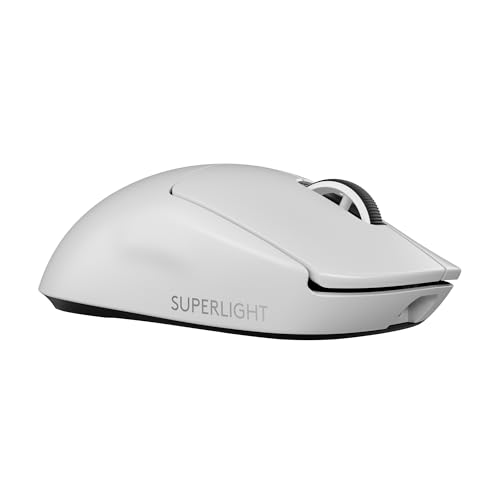
Logitech G Pro X Superlight 2
|
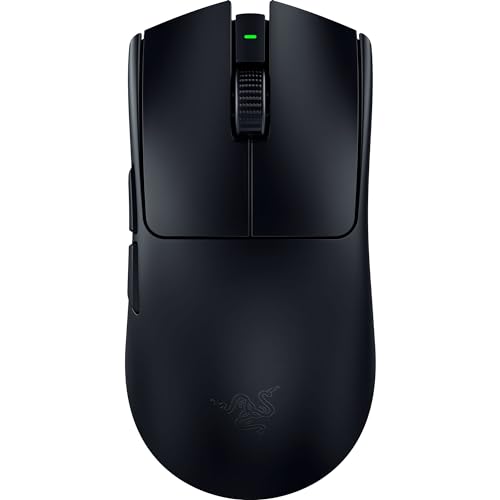
Razer Viper V3 Pro
|
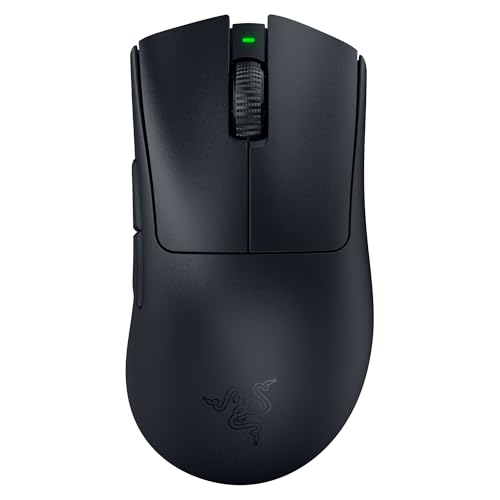
Razer DeathAdder V3 Pro
|
Pulsar X2V2
|
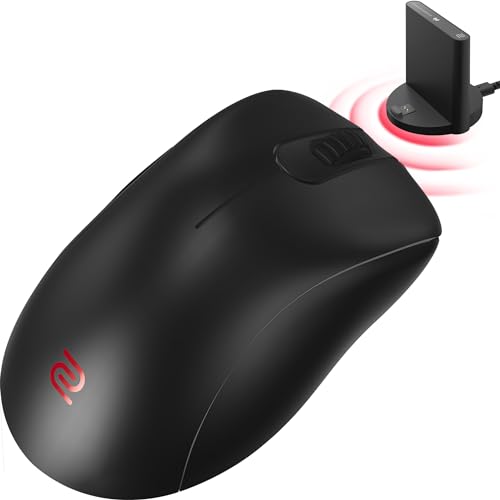
Zowie EC2-CW
|
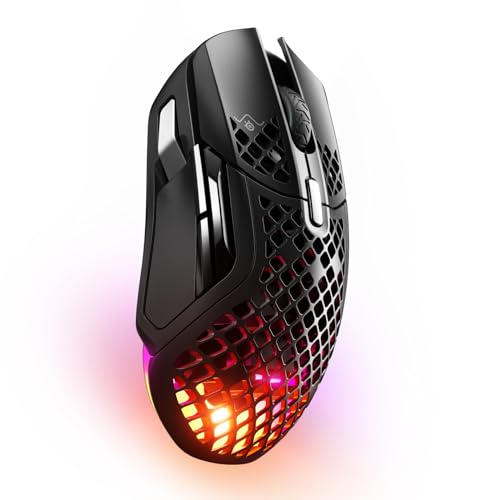
SteelSeries Aerox 5 Wireless
|
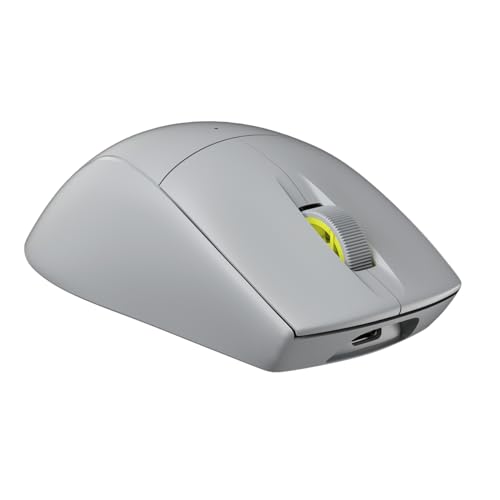
Corsair M75 Air
|
Endgame Gear OP1we
|
Lamzu Atlantis Mini
|
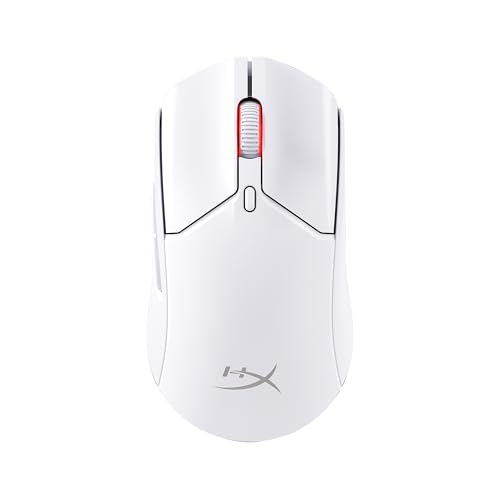
HyperX Pulsefire Haste 2 Wireless
|
|---|---|---|---|---|---|---|---|---|---|---|
| Rating |
9.4/10
|
9.3/10
|
9/10
|
8.8/10
|
8.5/10
|
8.2/10
|
8.6/10
|
8.3/10
|
8.7/10
|
8.1/10
|
| Check Deal → | Check Deal → | Check Deal → | Check Deal → | Check Deal → | Check Deal → | Check Deal → | Check Deal → | Check Deal → | Check Deal → | |
| Price | $159/one-time | $159/one-time | $149/one-time | $109/one-time | $119/one-time | $109/one-time | $129/one-time | $79/one-time | $89/one-time | $79/one-time |
| Sensor | Logitech HERO 2 | Razer Focus Pro 35K | Razer Focus Pro 30K | Pulsar X2V2 (custom) | PixArt 3370 | SteelSeries TrueMove Air | Corsair Marksman | PixArt 3370 | Lamzu Atlantis 4K (Nordic 52840) | HyperX 26K |
| DPI | 32,000 | 35,000 | 30,000 | 26,000 | 3,200 | 18,000 | 26,000 | 3,200 | 26,000 | 26,000 |
| Polling Rate | 2,000 Hz | 1,000 Hz (8,000 Hz with dongle) | 1,000 Hz | 2,000 Hz | 1,000 Hz | 1,000 Hz | 2,000 Hz | 1,000 Hz | 1,000 Hz (4,000 Hz with dongle) | 1,000 Hz |
| Weight | 60g | 60g | 63g | 54g | 77g | 74g | 60g | 59g | 49g | 59g |
| Connectivity | LIGHTSPEED 2.4 GHz wireless, USB receiver | HyperSpeed 2.4 GHz wireless, USB receiver | HyperSpeed 2.4 GHz wireless, USB receiver | 2.4 GHz wireless, USB receiver | 2.4 GHz wireless, USB receiver | 2.4 GHz wireless, USB receiver | 2.4 GHz wireless, USB receiver | 2.4 GHz wireless, USB receiver | 2.4 GHz wireless, USB receiver | 2.4 GHz wireless, USB receiver |
| Battery Life | ~90 hours | ~95 hours | ~90 hours | ~70 hours | ~70 hours | ~180 hours | ~70 hours | ~70 hours | ~65 hours | ~100 hours |
| Switches | LIGHTFORCE hybrid optical-mechanical | Razer Gen-3 optical | Razer Gen-3 optical | Kailh GM 8.0 | Kailh GM 8.0 | SteelSeries custom | Corsair QuickStrike | Kailh GM 8.0 | Lamzu Thorn (optical) | HyperX custom |
| Shape | Ambidextrous, low profile | Ambidextrous, low and flat | Ergonomic right-handed | Symmetrical ambidextrous | Ergonomic right-handed (EC2) | Ergonomic right-handed with side buttons | Symmetrical ambidextrous | Hybrid ambidextrous | Compact symmetrical | Symmetrical ambidextrous |
| Grip Style | Claw, fingertip | Claw, fingertip | Palm, claw | Claw, fingertip | Palm, claw | Palm, claw | Claw, fingertip | Claw, fingertip | Claw, fingertip | Claw, fingertip |
| Feet Material | 100% PTFE | 100% PTFE | 100% PTFE | 100% PTFE | 100% PTFE | 100% PTFE | 100% PTFE | 100% PTFE | 100% PTFE | 100% PTFE |
| View Price → | View Price → | View Price → | View Price → | View Price → | View Price → | View Price → | View Price → | View Price → | View Price → |



Our Methodology
We test each gaming mouse across FPS, MOBA, and productivity scenarios for at least 2 weeks. We measure sensor accuracy with MouseTester, polling rate stability, click latency, and battery life. We also evaluate shape comfort across different grip styles. No manufacturer has editorial influence.
Frequently Asked Questions
What specs matter most for gaming mice?
Is 2K or 8K polling worth it?
Ergonomic vs ambidextrous—which is better?
Related Comparisons
Best Gaming Mice of 2026 — Tested and Ranked
Our ranked list of the best gaming mice for 2026. Tested across FPS, MOBA, and productivity. Compare sensors, weight, and wireless performance.
CompareCompare MousePro Products — Pick Two to Compare
Choose any two products to see a detailed side-by-side comparison. Compare specs, features, and value.
Head to HeadG Pro X Superlight 2 vs Razer Viper V3 Pro — Which Is Better in 2026?
Head-to-head comparison: G Pro X Superlight 2 vs Razer Viper V3 Pro. Both 60g wireless esports mice—which is better for you?
Head to HeadLogitech G Pro X Superlight 2 vs Razer DeathAdder V3 Pro — Which Should You Buy?
Side-by-side comparison of Logitech G Pro X Superlight 2 and Razer DeathAdder V3 Pro. We compare specs, performance, and value to help you decide.
Head to HeadLogitech G Pro X Superlight 2 vs Pulsar X2V2 — Which Should You Buy?
Side-by-side comparison of Logitech G Pro X Superlight 2 and Pulsar X2V2. We compare specs, performance, and value to help you decide.
Head to HeadLogitech G Pro X Superlight 2 vs Zowie EC2-CW — Which Should You Buy?
Side-by-side comparison of Logitech G Pro X Superlight 2 and Zowie EC2-CW. We compare specs, performance, and value to help you decide.