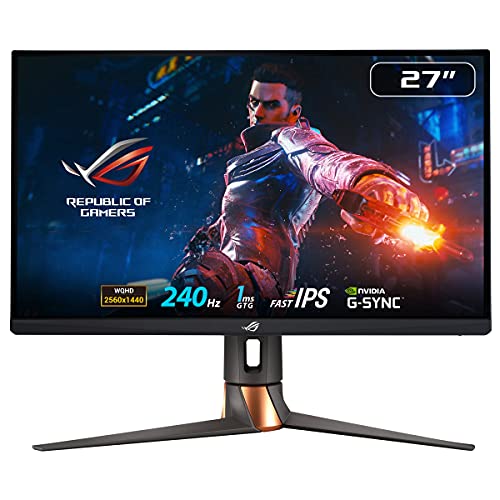
✓ELMB Sync reduces motion blur with G-Sync enabled
✓Fast IPS panel with 1ms GtG response
✓Wide color gamut (97% DCI-P3)
✓Full ergonomic stand with RGB lighting
✓HDR 400 with local dimming
Cons
✗Premium price point
✗G-Sync only (no FreeSync for AMD users)
✗Power consumption higher than competitors
The ASUS ROG Swift PG279QM is the ultimate 27-inch gaming monitor for NVIDIA users. Native G-Sync, 240Hz IPS, and ELMB Sync deliver unmatched motion quality. Worth the premium if you demand the best and run an NVIDIA GPU.
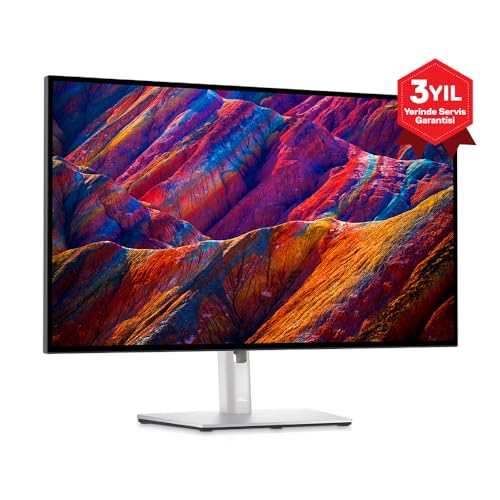
✓IPS Black delivers 2000:1 contrast (2x standard IPS)
✓USB-C with 90W power delivery and KVM
✓99% sRGB, 95% DCI-P3, 80% Adobe RGB
✓Factory color calibration with report
✓4K resolution for crisp text
✓ComfortView Plus reduces blue light
✓Full ergonomic stand
Cons
✗60Hz only, not for gaming
✗Premium price for productivity
✗No HDR support
The Dell UltraSharp U2723QE is the best 27-inch productivity monitor. IPS Black improves contrast, USB-C KVM simplifies desk setup, and factory calibration ensures accuracy. The premium is justified for professionals who demand the best.
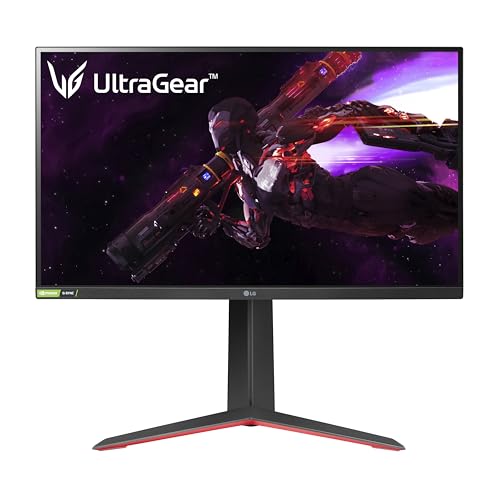
✓Outstanding color accuracy and wide DCI-P3 coverage
✓Fast 1ms GtG response time with minimal overshoot
✓Nano IPS panel delivers vibrant, accurate colors
✓Full ergonomic stand with height, tilt, pivot, and swivel
✓165Hz overclockable to 180Hz for extra headroom
✓USB hub with 2x USB 3.0 ports
✓HDR 400 support for improved contrast in supported content
Cons
✗HDR performance is limited compared to higher-tier displays
✗Contrast ratio typical for IPS (~1000:1)
✗No USB-C connectivity
The LG 27GP850-B is the best value 1440p gaming monitor for most users. It balances excellent color accuracy, smooth motion, and competitive pricing. Whether you're gaming or editing, it delivers consistent performance without compromise.
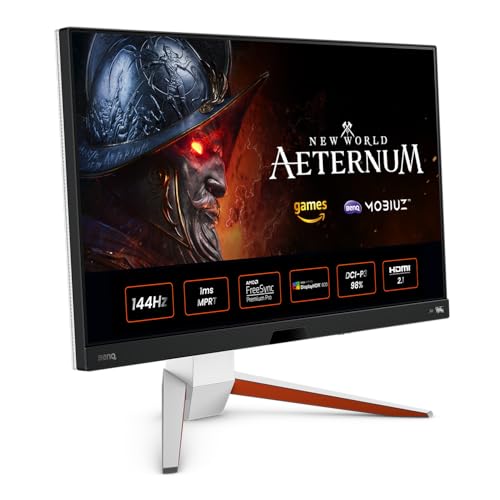
✓4K 144Hz for gaming and productivity in one display
✓HDR 600 with 16-zone local dimming
✓HDRi adapts image to ambient light
✓95% DCI-P3 for accurate colors
✓1ms MPRT for responsive gaming
✓Built-in 2.1-channel speakers
✓USB-C with 65W power delivery
Cons
✗Local dimming zones limited (16)
✗Premium price for 27-inch 4K
✗Heavy and large stand
The BenQ EX2710U is the best 27-inch 4K gaming monitor. It delivers 4K and 144Hz in one package, with HDR 600 and HDRi adding real value. Perfect for gamers who want 4K without sacrificing refresh rate.
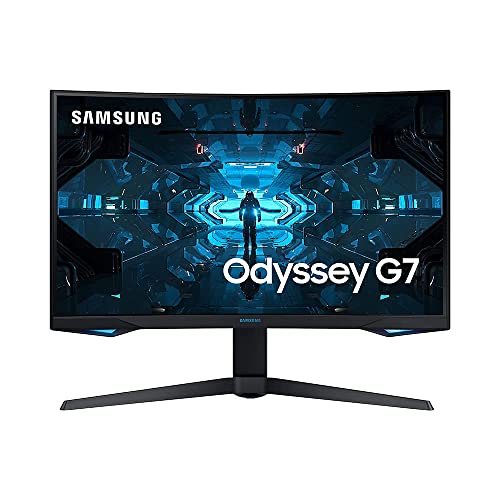
✓VA panel delivers 2500:1 contrast and deep blacks
✓Quantum Dot technology for wide color gamut
✓1ms response time with minimal ghosting
✓G-Sync Compatible and FreeSync Premium Pro
✓HDR 600 for meaningful HDR improvement
Cons
✗Curved design may not suit productivity or multi-monitor setups
✗Some black smearing in dark scenes
✗Heavy and large footprint
The Samsung Odyssey G7 32-inch is a top choice for competitive gamers who want 240Hz at 1440p. The curved VA panel and deep blacks make it immersive, though the curve may not suit everyone. Excellent value for high-refresh gaming.
The Alienware AW2723DF is a premium 240Hz IPS option with Dell's reliability. It matches the Samsung Odyssey G7's refresh rate in a flat IPS package. Ideal for gamers who prefer flat panels and want 240Hz with excellent color.
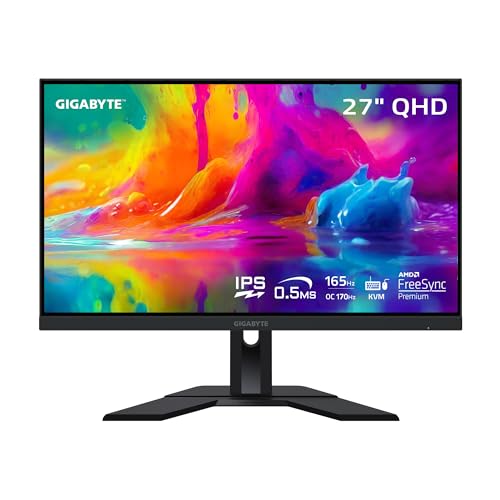
The Gigabyte M27Q X offers 240Hz 1440p IPS at a price that undercuts most competitors. The built-in KVM is a bonus for multi-PC users. Best value 240Hz IPS if you can live with the BGR subpixel layout for text.
The MSI MAG274QRF-QD offers Quantum Dot IPS quality at a mid-range price. Excellent for gamers who also do color-sensitive work. The 165Hz and wide gamut make it a versatile all-rounder.
The LG 27UN850-W is an excellent 4K productivity monitor with standout USB-C docking. Perfect for MacBook and laptop users who want a single-cable setup. Color accuracy and 4K sharpness make it suitable for photo and video work.
✓VA panel delivers 3000:1 contrast and deep blacks
✓Subtle 1500R curve enhances immersion
✓165Hz with FreeSync Premium for smooth gameplay
✓VESA mount compatible
✓Low input lag for responsive feel
✓Dell's reliable build quality
Cons
✗Slower pixel response than IPS in dark transitions
✗Limited color gamut compared to Nano IPS
✗No USB hub or USB-C
The Dell S2722DGM is the best budget 1440p gaming monitor. You get 165Hz, strong contrast, and Dell reliability at a price that undercuts most competitors. Ideal for gamers who want to step up from 1080p without breaking the bank.
We calibrate and test each monitor using a Calibrite ColorChecker Display Pro for color accuracy, OSRTT for response times, and standardized HDR test patterns. We measure input lag, evaluate ergonomic adjustability, and test gaming performance across multiple titles. No manufacturer has editorial influence.
Frequently Asked Questions
How do you test and rank monitors?
We calibrate each monitor with a Calibrite ColorChecker Display Pro for color accuracy, measure response times with OSRTT, and evaluate HDR performance with standardized test patterns. We test input lag, ergonomic adjustability, and gaming performance across multiple titles. No manufacturer has editorial influence on our rankings.
What's the best budget monitor under $300?
The Dell S2722DGM at around $249 is our top budget pick. It delivers 27-inch 1440p, 165Hz, and a VA panel with strong contrast. You sacrifice some color gamut and ergonomics versus pricier IPS options, but it's the best value for stepping up from 1080p.
Which monitor is best for both gaming and work?
The LG 27GP850-B and MSI MAG274QRF-QD both excel at gaming (165Hz, fast response) and creative work (wide color gamut, accurate colors). For 4K gaming and work, the BenQ EX2710U offers 4K 144Hz with HDR 600. The Dell UltraSharp U2723QE is best for work-first users who occasionally game.
Do you recommend curved or flat monitors?
Flat monitors suit most users—multi-monitor setups, productivity, and shared viewing. Curved monitors (like the Samsung Odyssey G7) enhance immersion for single-user gaming and can reduce eye strain in ultrawide formats. At 27 inches, curve is optional; at 32 inches and above, a subtle curve can help.